
A clearer start to their day
Make an A4 picture routine for mornings, after school, bedtime or weekends. Change the words to suit your child, then download and print. No account needed.
How to use
- 1Choose a routine
- 2Personalise it
- 3Choose and arrange steps
- 4Preview
- 5Download
- 6Create another if you like
Your routine saves automatically on this device.
Personalise your routine
18/60
Your steps
6 of 6
Use the arrows to change the order of your steps.
Use “Change picture” to swap a step, or remove it using the bin button and choose a picture below.
- 1

- 2

- 3

- 4

- 5

- 6

Your routine is full with 6 steps. before adding another.
Routine full — change a step above
To replace a picture, select Change picture in ‘Your steps’ above, then choose a new picture here. To add another step, remove one of your six steps first.
Showing 24 pictures.
- BoyWake up
- Girl
 Wake up
 - Toilet
- Boy
 Brush teeth
 - GirlBrush teeth
- Eat breakfast
- BoyGet dressed
- Girl
 Get dressed
 - Shoes on
- Boy
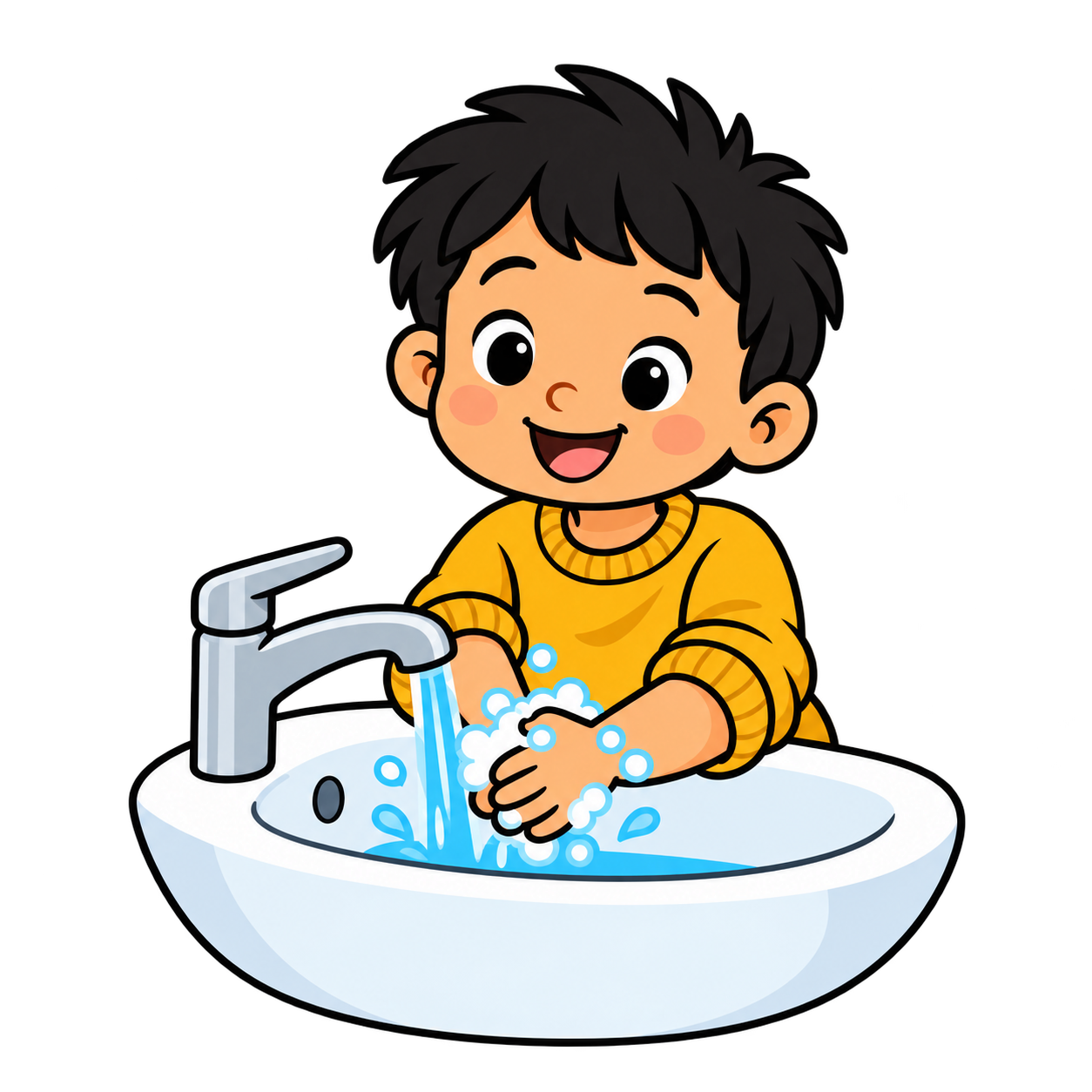 Wash hands
 - Girl
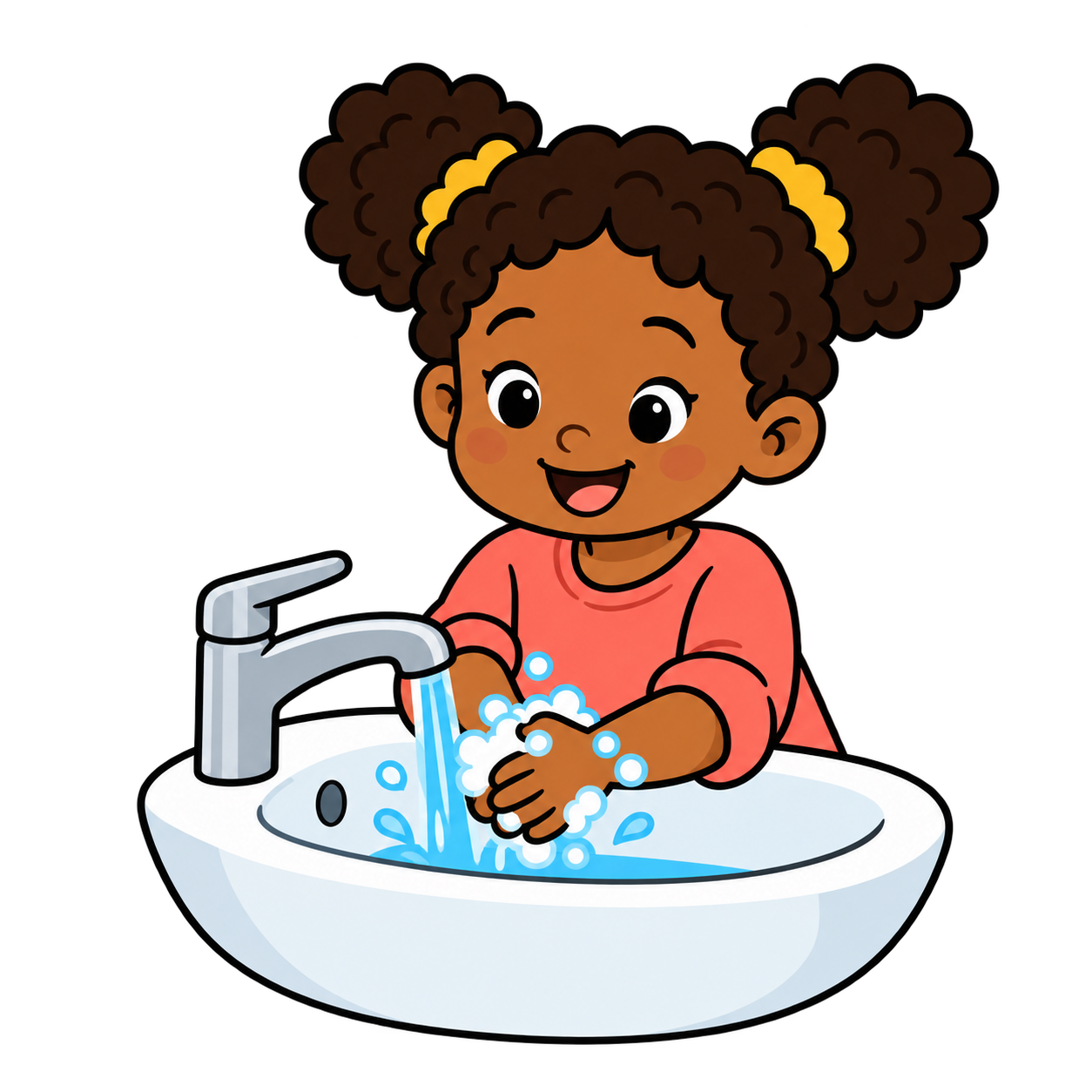 Wash hands
  School bag
- Boy
 Drink water
 - Girl
 Drink water
 - Boy
 Brush hair
 - Girl
 Brush hair
 - Boy
 Wash face
 - Girl
 Wash face
 - Boy
 Coat on
 - Girl
 Coat on
 - Boy
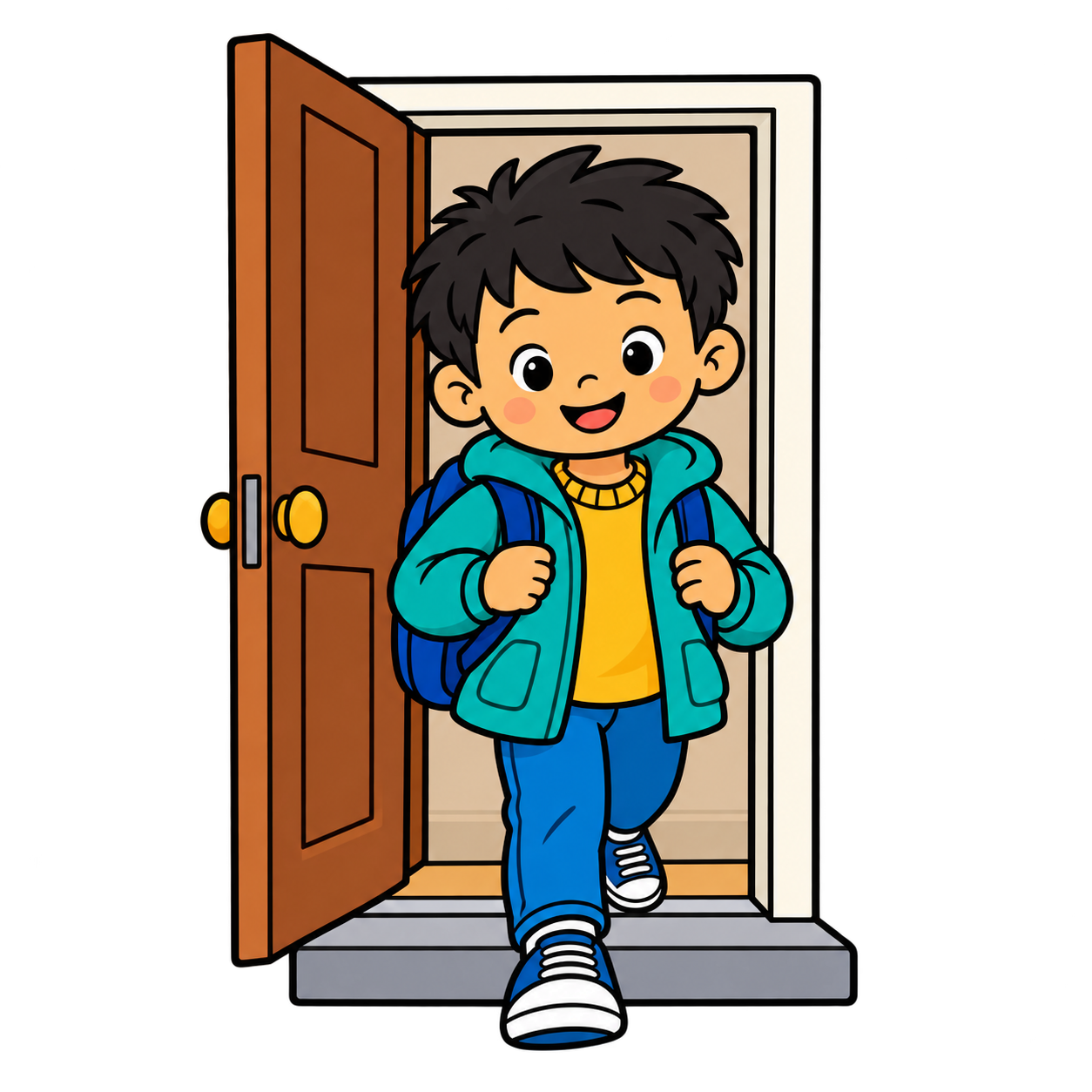 Leave home
 - Girl
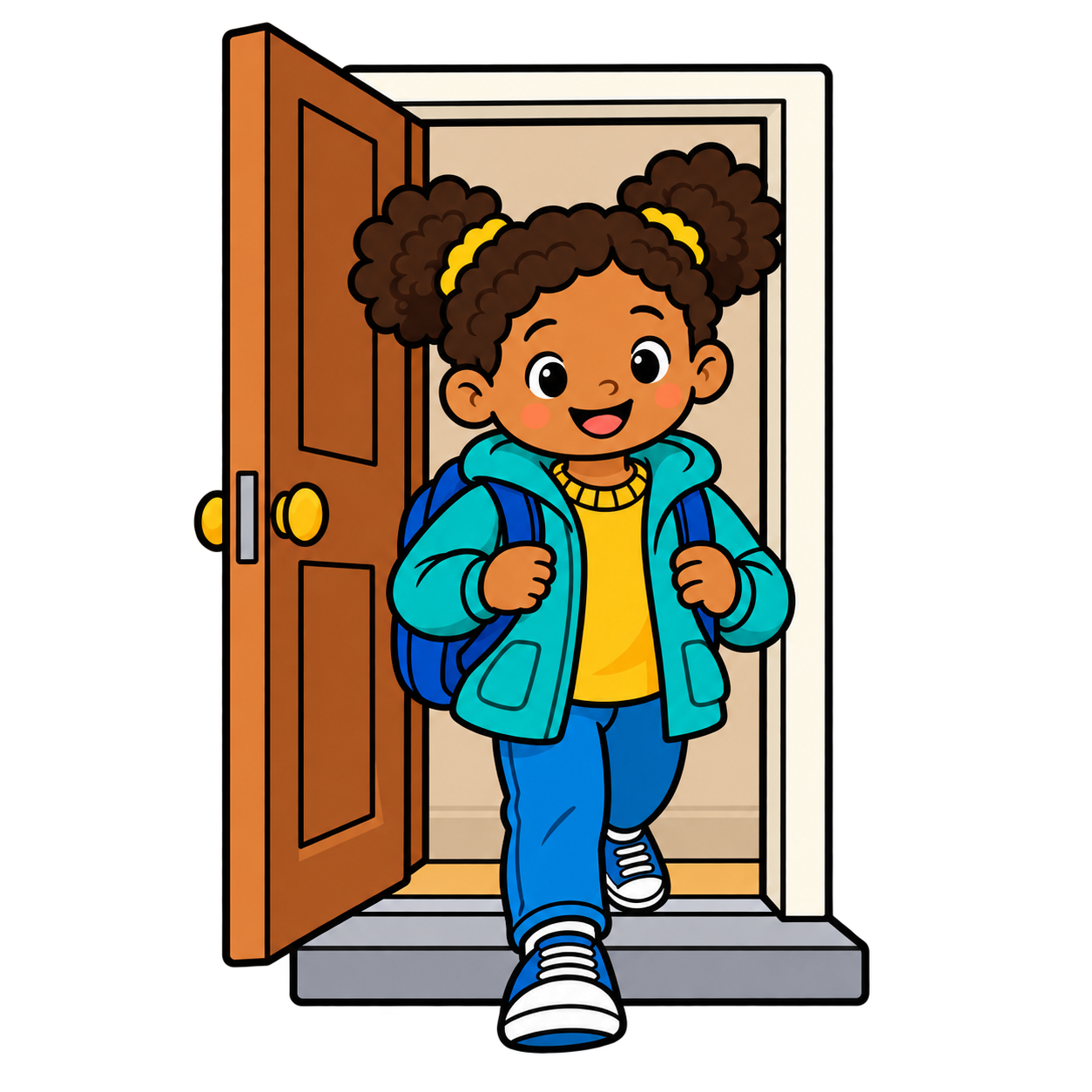 Leave home
 - Boy
 Go to school
 - Girl
 Go to school
Your finished routine
For best results, print on A4 landscape at Actual size.
How to use your routine
- 1Create and personalise your routine, then download and print it.
- 2Place it somewhere easy for your child to see, such as on the fridge, bedroom wall or beside the front door.
- 3Point to each picture as the activity is completed. If you added tick boxes, your child can tick each step as they finish it.
- 4For repeated use, laminate the printed routine or place it in a reusable plastic sleeve. Use a dry-wipe pen on the tick boxes and wipe clean for the next day.
- 5Keep the routine simple at first. You can create and download separate morning, after-school, evening/bedtime and weekend/day-off routines.
Lamination and small accessories should be used with adult supervision.